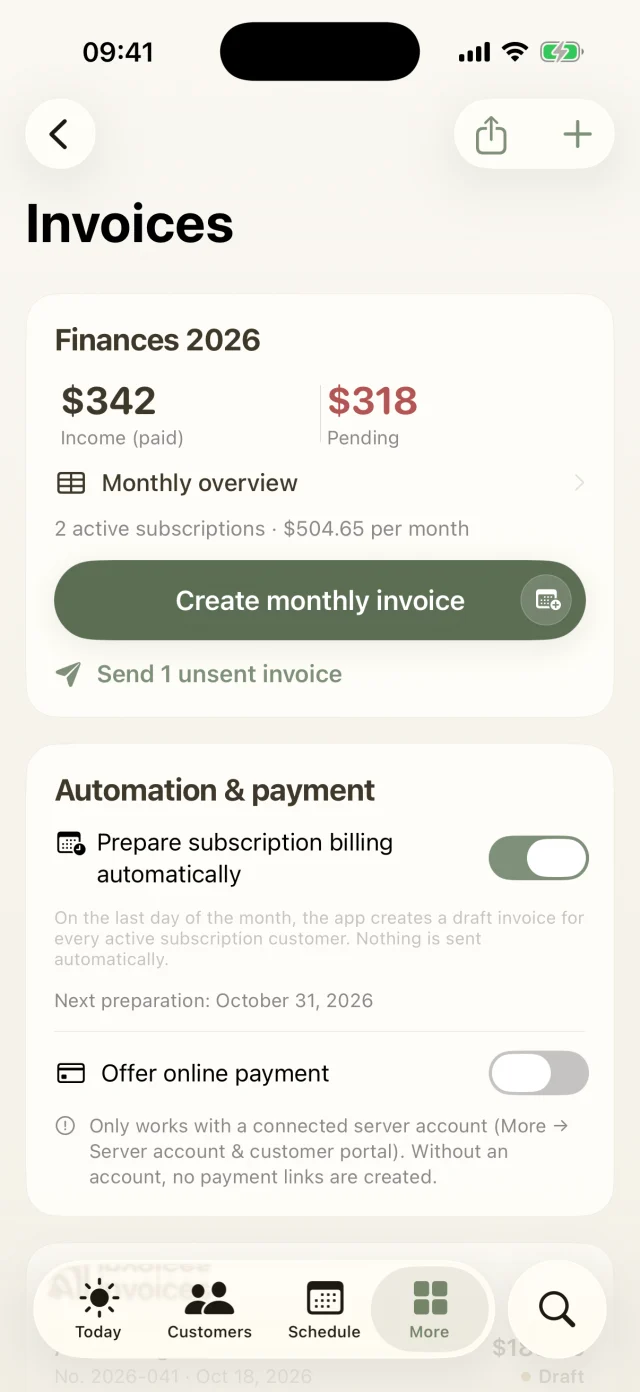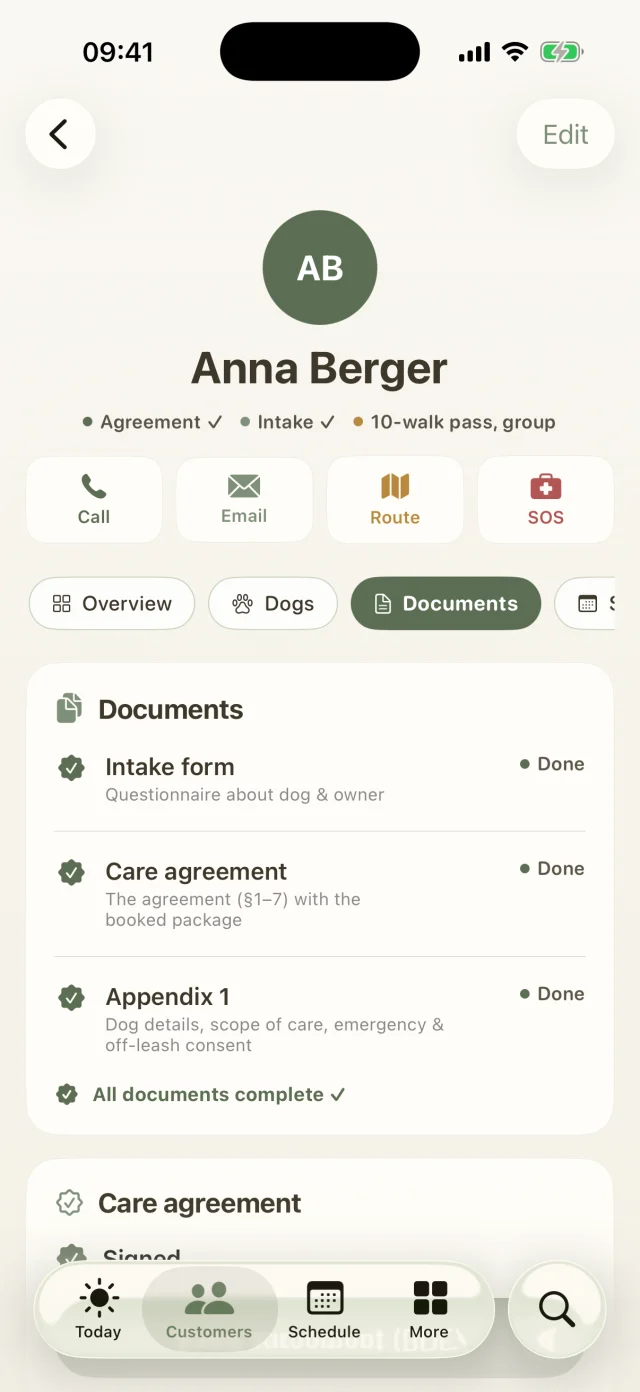
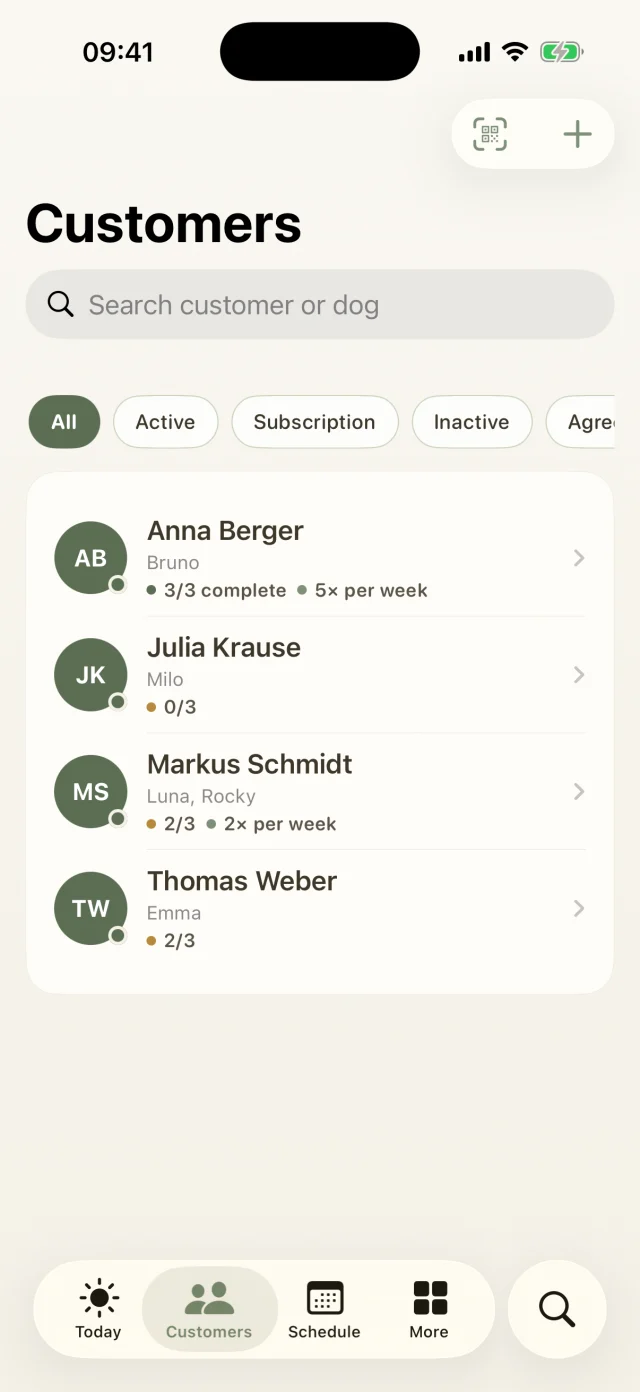
07Pro and up

The family flies off on vacation. The dog moves in with you.

Whether it's a few vacation guests alongside your walks or a full boarding business: from the first inquiry to the goodbye and feedback email, boarding guides you step by step through every booking.

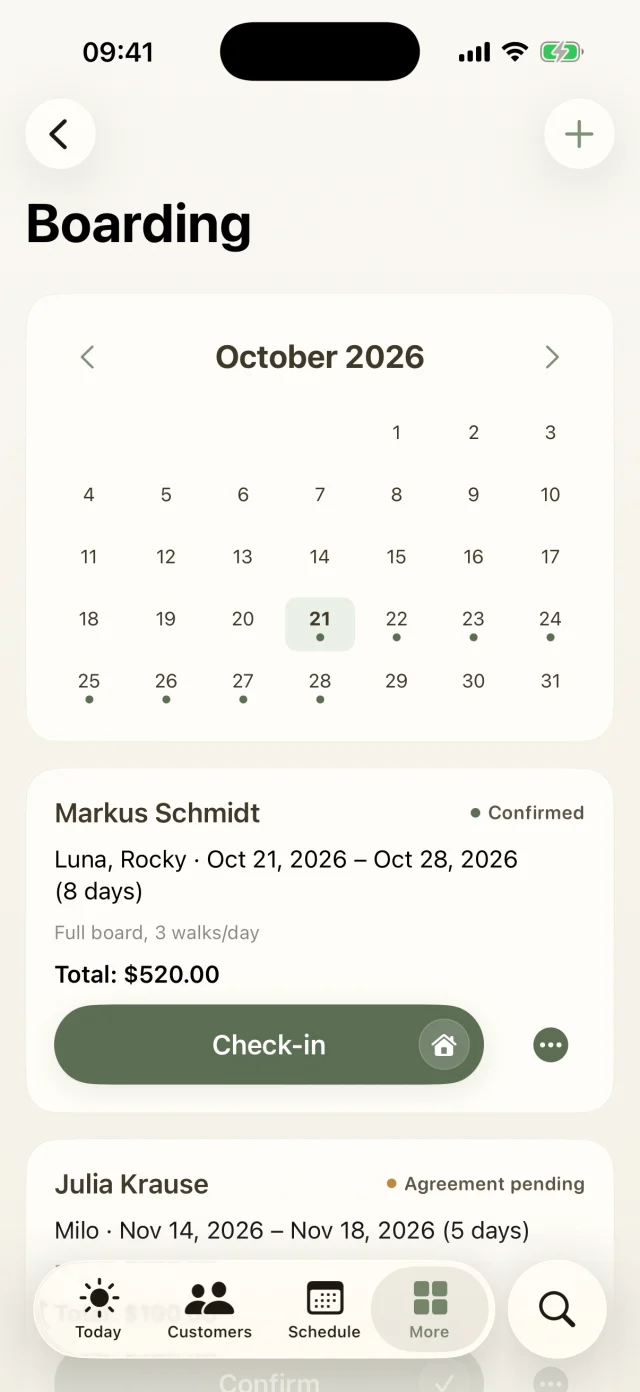
Boarding with an occupancy calendar and booking cards with check-in.
Boarding

What's inside

  • Booking in six stepsClient, dogs, dates, services, special notes, summary. At the end you have the price, and the booking number is assigned automatically.
  • Occupancy calendarSee instantly when you still have room. The app flags guests who don't get along staying at the same time.
  • Check-in and check-outWhat they brought, how the dog was doing on arrival, and a sweet “settled in safely” message to the family.
  • Daily updates for the vacationA quick hello with photos, so nobody worries on the beach.
Good to know

The most common questions on this topic. You'll find even more answers in the Help Center.

How does boarding work? Pro and up
  1. Under More → Boarding → + the booking takes you through six steps: customer, dogs, dates, services, special notes and summary. The booking number is assigned automatically.
  2. The occupancy calendar shows at a glance when you still have room. The app flags guests who don't get along during the same stay.
  3. Confirm and, if you like, send the agreement for the owners to sign online.
  4. The app reminds you the day before arrival, and the Today screen shows who's coming. At Check-in you note what was brought along and how the dog is doing.
  5. During the stay, a Daily report sends a sweet hello by email, so nobody on the beach has to worry.
  6. After Check-out, tap Complete + invoice and the invoice is created from the nights.
How does the app warn me when dogs don't get along?

Each dog profile has a Group section where you record:

  • Doesn't get along with: pick the dogs it doesn't work with. This automatically applies both ways.
  • A group note, for example “muzzle only” or “doesn't like males”.
  • Via Add heat period the In heat until date, plus sex and whether the dog is spayed or neutered.

When you plan an appointment, and for boarding stays that overlap, Check group tells you if dogs don't get along, if a female in heat meets an intact male, or if the group gets too big. The app only warns you; the decision is always yours.

I don't get any reminders. What can I do?

Go to More → Settings → Notifications to see the status. If it says Disabled in iOS, tap through to the iOS settings and allow notifications.

Then switch each reminder on or off: the walk reminder (30 minutes, 1 or 2 hours before), boarding arrivals (24 hours before) and departures (at 8 am on the departure day).

Still have questions? Just write to us.

Behind Dog Walkers is a small team of dog lovers. We answer personally, usually the very same day.

A woman with red curls and glasses walks three leashed dogs through an autumn park.

Your pack
is waiting.

Try Dog Walkers free for a week. We're pretty sure you won't want to go without it afterwards. And if you do, canceling takes two taps.