03Pro and up

Your clients pitch in. All on their own.

Instead of typing up forms, you send a link. Your clients take care of the rest, comfortably on their own phones.

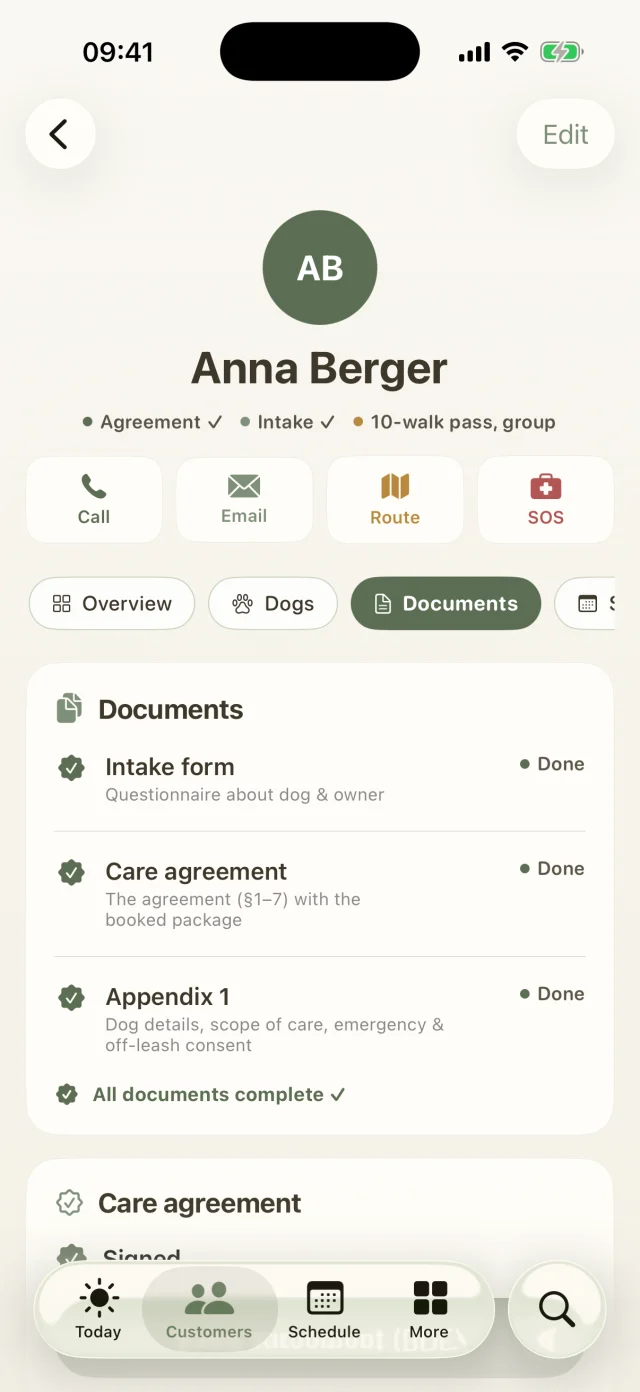
Anna Berger's client profile with quick actions for call, email, route and SOS.
Documents in the client profile: intake form, care agreement and Appendix 1 are complete.
Client portal & contracts

What's inside

  • Invite by emailA name and an address are all it takes. Your clients get a friendly email with their personal portal link.Pro and up
  • Online intake formEverything about the dog, from how they get along with others to off-leash time. As soon as it's filled in, it's in your client file.
  • Care agreement with Appendix 1, signed digitallySigned with a fingertip, as a PDF for both sides. You can see the status of every document at a glance.Pro and up
  • Package booking by weekdayYour clients choose their package, days, time slot and pick-up & drop-off. The price calculates itself, including the second-dog discount.Pro and up
Good to know

The most common questions on this topic. You'll find even more answers in the Help Center.

How do I send the intake form? Pro and up
  1. In the customer profile, open the Documents tab and tap Email intake form. Your customer gets a personal link, no login needed.
  2. There they enter contact, dog, health, medication and habits and sign with a finger.
  3. The status bar in the profile shows whether the form has been filled in. If something changes (new phone number, new medication), use Send again (refresh data). The form comes pre-filled.
How do I get the contract signed? Pro and up

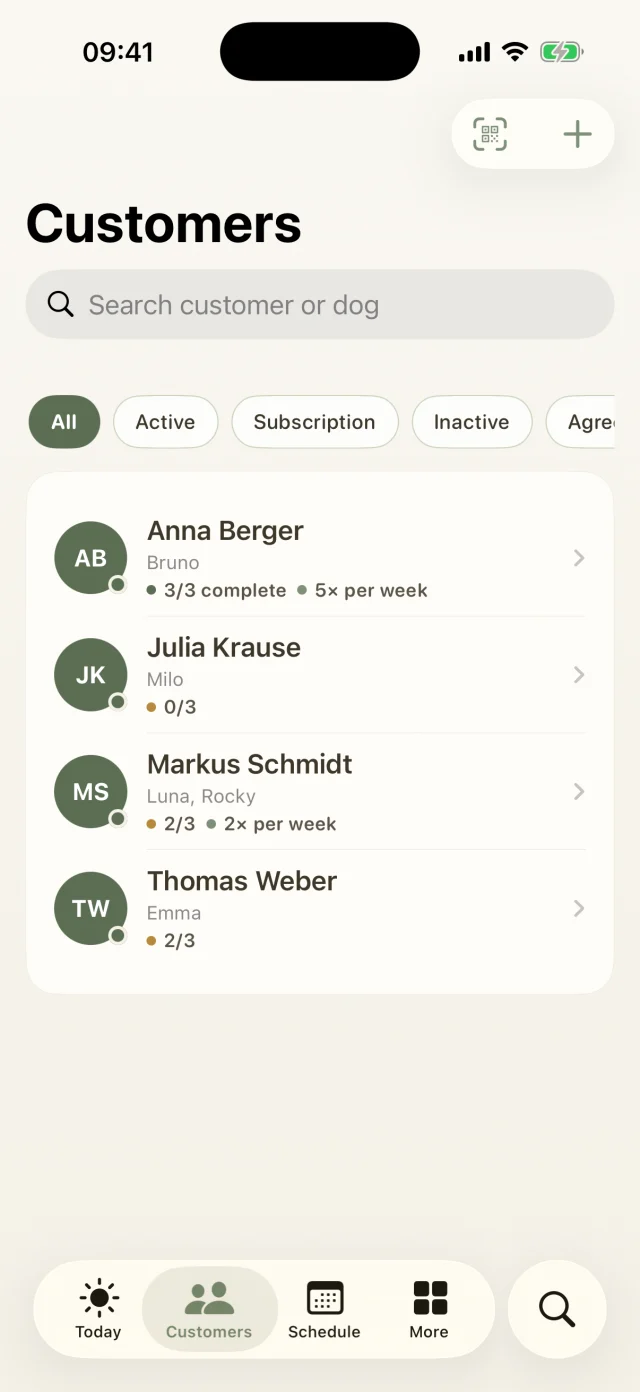
Every customer file has three documents: the intake form, the care agreement and appendix 1 with dog details, scope of care and consents. The customer list shows progress from 0/3 to 3/3.

  1. Open Documents in the customer profile and send the agreement. Your customer signs online with a finger.
  2. The signature then appears automatically in the profile and in the agreement PDF, which you can share or file.
  3. Sitting together right now? Your customer can simply sign on your iPhone.
How do customers book their package online? Pro and up
  1. In the customer profile under Package & pricing, tap Send package selection link (portal).
  2. Your customer picks a package, weekdays, time slots and pick-up service and signs online. The price is calculated automatically, including the second-dog discount.
  3. You decide which packages to offer under More → Business details, prices & templates → Online package booking.
How do details from the portal get into the app?

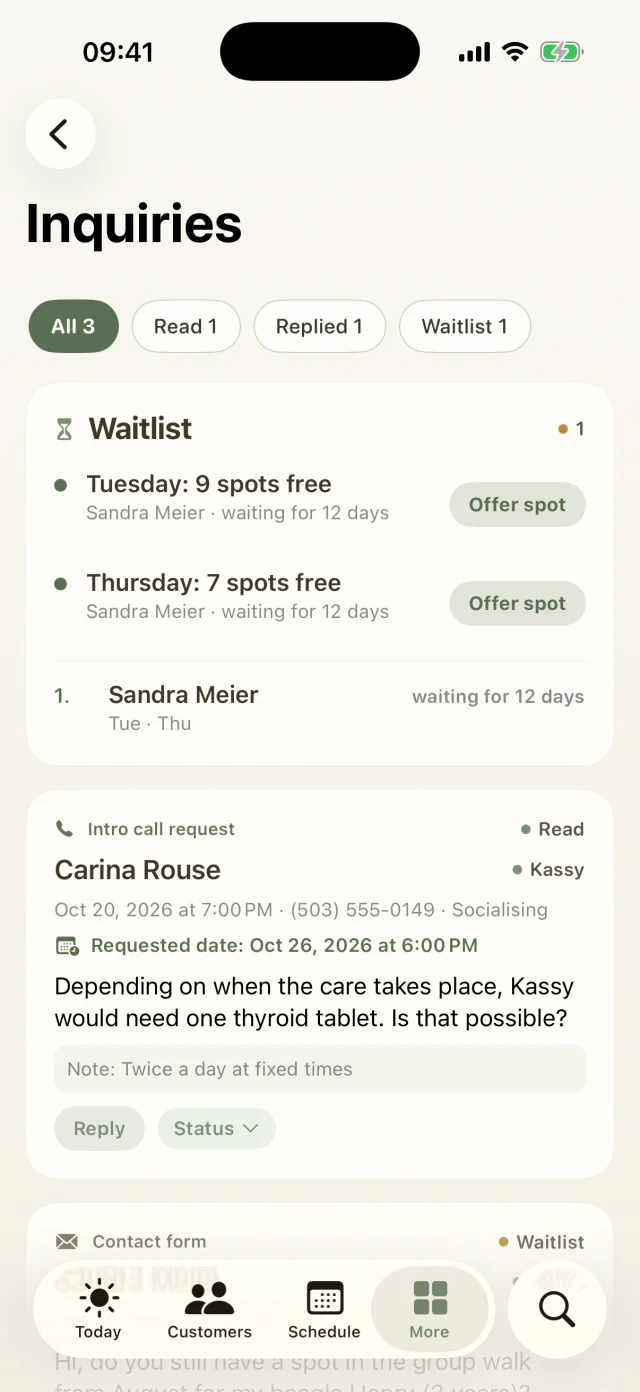
Tap Fetch data now in the customer profile. Or use More → Server account & customer portal → Sync now, which syncs both ways: forms, bookings, signatures and reviews come into the app, and your customers, appointments and invoices go to the portal.

Still have questions? Just write to us.

Behind Dog Walkers is a small team of dog lovers. We answer personally, usually the very same day.

A woman with red curls and glasses walks three leashed dogs through an autumn park.

Your pack
is waiting.

Try Dog Walkers free for a week. We're pretty sure you won't want to go without it afterwards. And if you do, canceling takes two taps.