08All plansXRechnung & reminders: Pro and up

Get paid, without the awkwardness.

Writing invoices was never your favorite job. Now most of it takes care of itself, accurately and kindly.

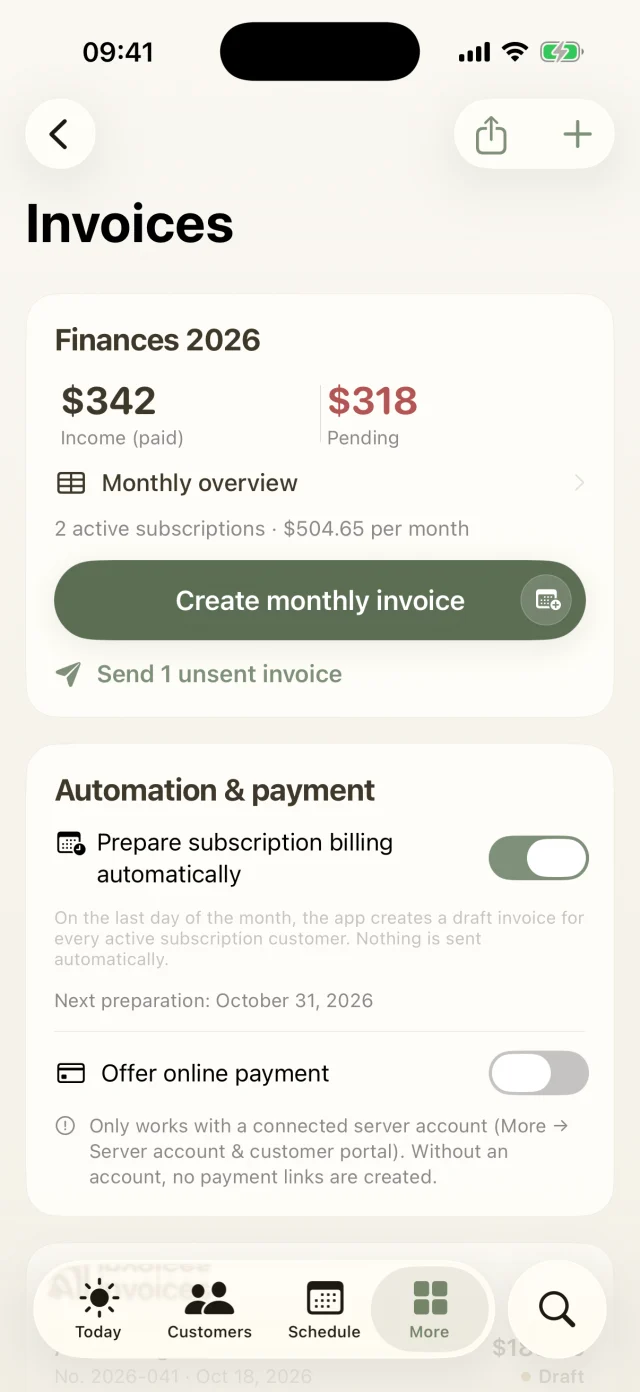
Invoices with income statement, monthly billing and automation settings.
Plan selection with Starter, Pro and Business.
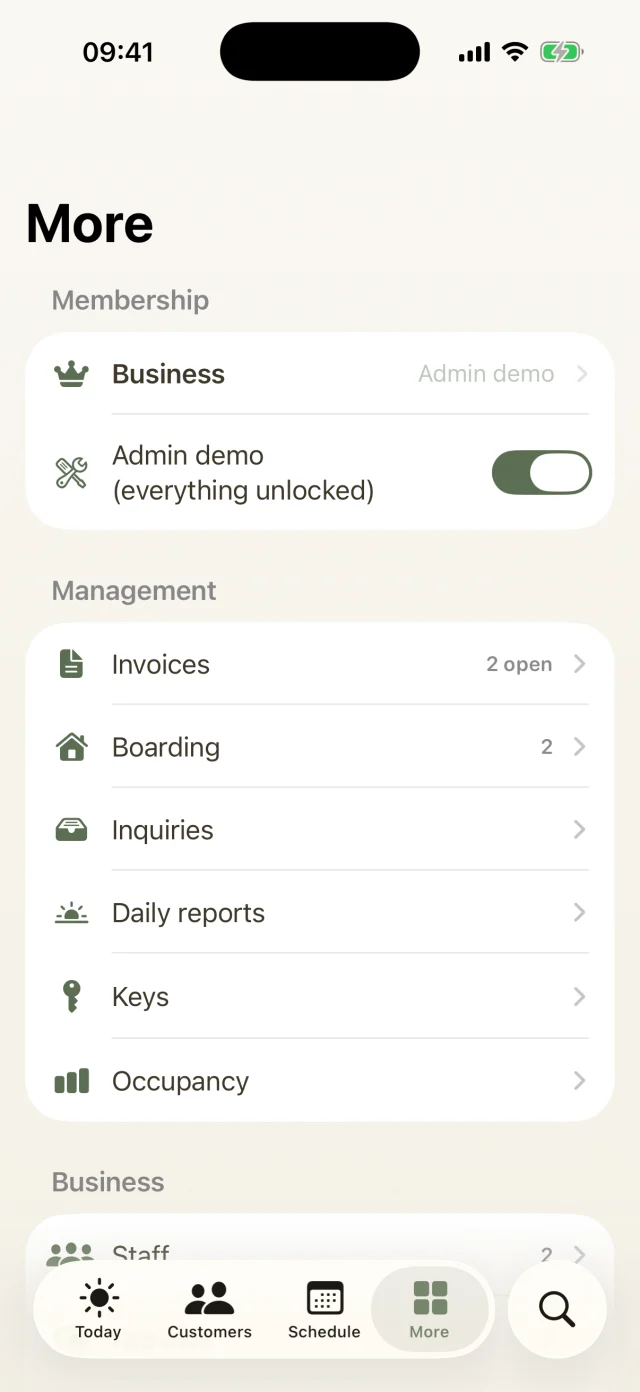
Invoices & payments

What's inside

  • Invoices as PDF and e-invoiceWith your details, sequential numbers and payment terms. In Germany, also as an XRechnung if you need it.XRechnung Pro and up
  • Automatic subscription billingAt the end of the month, a finished draft is waiting for every subscription. Give them a quick check and send them all at once.
  • Payment link for card, Apple Pay and SEPAOptional. The money goes straight to your own Stripe account, and Dog Walkers takes no fee. Paid invoices are checked off automatically.
  • Reminders in three friendly stagesA gentle nudge, a second reminder, a final notice. With ready-made texts you can adjust.Pro and up
  • Income overview and exportIncome and outstanding amounts per month, cancellations with credit notes and a CSV export for your accountant.
Good to know

The most common questions on this topic. You'll find even more answers in the Help Center.

How does automatic subscription billing work?
  1. Under More → Invoices → Automation & payment, switch on Prepare subscription billing automatically. The app shows when the next run is due.
  2. On the last day of the month it creates a draft for every active subscription, with the subscription price, second dog and pick-up. This happens as soon as you open the app on that day or later.
  3. A banner shows you the new drafts. With Review & send you take a quick look and send them all at once.

Nothing is ever sent without you. Customers without a subscription price are skipped, and the app tells you why. The automation starts with the month in which you switch it on.

How do I offer online payment?
  1. You need a connected server account. Then switch on Offer online payment under More → Invoices → Automation & payment.
  2. Tap Connect Stripe account. Stripe's setup opens in your browser. Once Stripe has checked your account, the app shows it as connected.
  3. From then on every invoice gets its own payment link. It's added automatically to the invoice email, payment reminders and the PDF. You can also copy or share it from the invoice.
How do payment reminders work? Pro and up

Dog Walkers reminds in three friendly steps: payment reminder, second reminder and last reminder.

  1. When an invoice is a week past its payment term, the Important list on your Today screen suggests the payment reminder.
  2. The second reminder follows 14 days later at the earliest, and the last reminder another 14 days after that.
  3. The texts are written for you, and you can adjust them before sending. Every step is recorded on the invoice.
Can I send e-invoices? Pro and up

For businesses in Germany, Dog Walkers creates an XRechnung in addition to the PDF. You'll find it in the invoice under Generate e-invoice (XRechnung XML). The option appears when your iPhone's region is set to Germany.

Still have questions? Just write to us.

Behind Dog Walkers is a small team of dog lovers. We answer personally, usually the very same day.

A woman with red curls and glasses walks three leashed dogs through an autumn park.

Your pack
is waiting.

Try Dog Walkers free for a week. We're pretty sure you won't want to go without it afterwards. And if you do, canceling takes two taps.